How to Setup Automatic Replies
Setting up Out of Office/Automatic replies
Logging into webmail
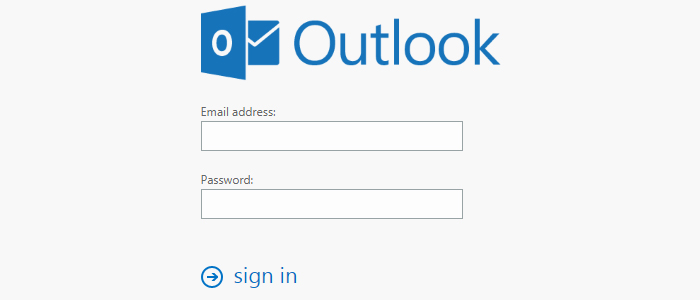
Visit https://us.exg7.exghost.com and login using your email address and password.
Access settings
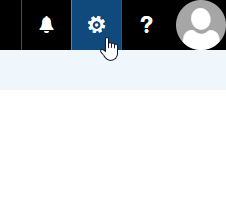
Once logged in, click the gear icon in the upper right hand corner of the screen.
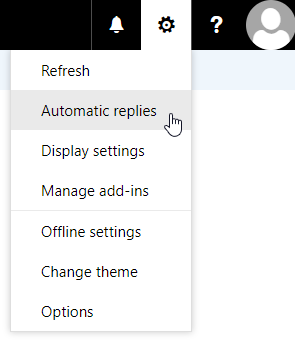
Select Automatic replies from the Settings drop down.
Customizing your Automatic replies
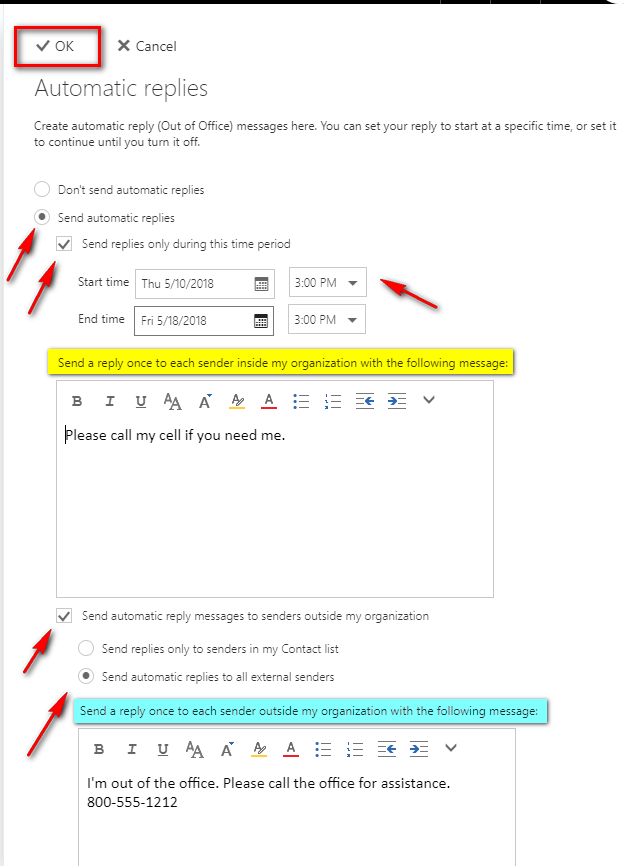
Fill out your desired settings and messages. Note that the bottom portion is dedicated to sending to those outside your organization. Once finished, click the OK button at the top.
